How To Find Foundation Shade Online?
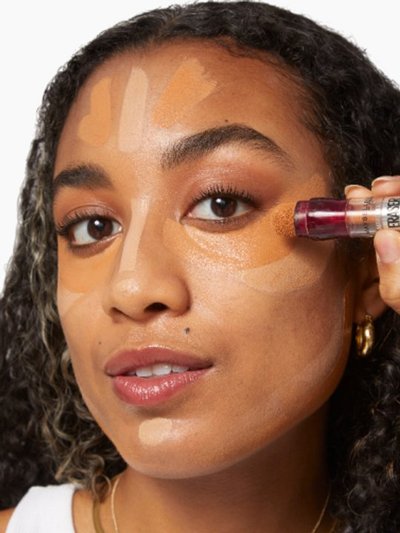
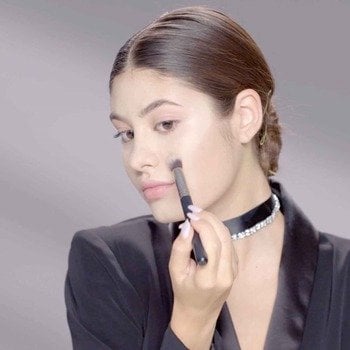
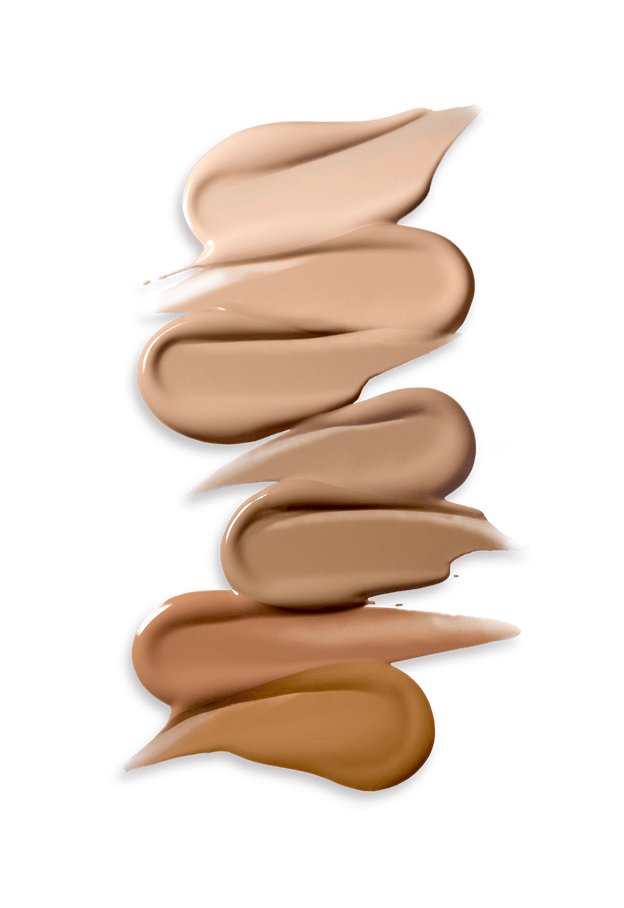
‘How to find my foundation shade’ or ‘how can I choose my foundation shade’ - earlier these queries involved visiting a physical store, swatching various shades, and seeking help from professionals before finalizing the one that fits you well. Add details like skin tone, undertone, finish and formula to the mix and you feel like you’re solving a tough puzzle. Selecting the right foundation doesn’t have to complicated, especially when you have tools like foundation shade finder one click away.
This brilliant online tool provides a personalized shade recommendation in mere minutes. Here’s a quick guide on how to choose the right foundation shade using the advanced Foundation Shade Finder tool.
How To Find Foundation Match Using Foundation Shade Finder Tool?
- Step 1: Get Started: Click ‘Start Now’, ‘Find My Match’, and consent.
- Step 2: Take Video Selfie: Turn on the camera and record your selfie.
- Step 3: Answer Questions: Select coverage and finish to get shade options
How To Choose The Right Foundation Shade?
Neutral, cool, and warm undertone foundations are designed to suit people with fair, medium, and deep skin complexions. While learning how to check your foundation shade using a foundation shade finder, it’s essential to know about the following crucial pointers. Here’s a simplified version of tone, undertone, and formulas.
Quick Recap: Tone, Undertone & Formulas
Take a quick look at the foundation guide for beginners:
Skin tone
It refers to the surface shade, depending on the melanin levels in your skin:
- Fair skin tone
- Medium skin tone
- Deep skin tone
Undertone
Undertone is the soft color under your skin. Wondering if a warm, cool, or neutral undertone foundation would suit you? Read our guide on how to determine your undertone before finding your foundation.
- Warm undertone = Golden/olive
- Cool undertone = Pink/blue
- Neutral undertone = Combination of both warm and cool hues
Formulas & Finishes
Matte or dewy? Or liquid or powder foundation – which one should you choose? Let’s find out:
- Oily Skin: Matte or oil-free liquid or powder foundation to control shine
- Dry Skin: Hydrating or dewy liquid or cream foundation for moisture
- Combination Skin: Satin or natural finish liquid or powder foundation for balance
- Sensitive Skin: Powder/liquid foundation with a gentle, fragrance-free formula
- Normal Skin: All formula works
Now that you know about these key pointers, let’s start with the right foundation shade hunt using the Foundation Shade Finder!
Step-by-Step Guide On How To Use Foundation Shade Finder Tool?
Put an end to your search. Here's a step-by-step guide on navigating the Foundation Shade Finder Online tool:
Step 1: Get Started
Once you are on the Foundation Shade Finder tool. Click on ‘Start Now’ and ‘Find My Match’ respectively. Click on ‘I Consent’.
Step 2: Activate the Camera & Take Video Selfie
Activate the camera. Now, face the camera and position your face within the oval frame to take the video selfie. The tool scans your face entirely, asks you to move your face, and keeps it straight. This helps determine the tool to your tone and undertone through facial landmarks. Use proper lighting - natural or a ring light is ideal for the process.
Step 3: Answer Some Questions To Find Your Match
Answer what type of coverage (sheer, medium, full) or skin finish (natural, glowy, matte) you prefer. After thorough analysis, the foundation shade finder tool suggests three foundation shade options – ‘best match’, ‘option 1’, and ‘option 2’. Along with the suggestion, the tool elaborates on the benefits of that particular foundation.
Why Using A Foundation Shade Finder Tool Is A Game-Changer?
Now that you know how to use the foundation shade finder online, let’s convince you once again why you need to use this tool.
No Guesswork
Save time and say goodbye to the old swatch guessing game with the advanced foundation shade finder tool. It suggests an exact shade match and certainly ‘your-skin-but-better’ finish.
Tailored Results
Whether you are looking for neutral, cool, or warm undertone foundation, this tool suggests the best match for you. Get customized foundation shade results as per your unique skin tone, undertone, desired finish, and profile.
Easy-to-Use
The Foundation Shade Finder tool is extremely easy to use. Take a 360° video and quiz, and the answer will pop up in a few minutes.
We hope this realistic and practicable guide has answered all your queries like ‘how to find my foundation shade’, ‘how can I choose my foundation shade’, ‘how to check your foundation shade’. Pick your ideal match, apply it correctly, and let every day be a great face-flaunting day! So, what are you waiting for? Pick up your phone, tap the shade finder, and let the advanced AI algorithm suggest the right foundation match for you.
While you are here, don’t forget to check out our Virtual Try-On tool to test out different face makeup, eye makeup, and lip makeup products from the comfort of your home without spending a penny. Selecting makeup products is easy when you have advanced tools to help you out!